When an order does not turn into a trade, the reason matters. Failed, canceled, and expired mean three different things, and mixing them up leaves you unsure whether something went wrong or worked exactly as designed. Add maker queue priority, which decides whose limit order fills first, and you can read any order status confidently. Here is what each outcome means and why an order might not fill.
Failed versus canceled
A failed order is one the exchange rejected before it ever became active, because it broke a rule: too small, insufficient balance, a price beyond protection limits, or a temporary system issue. It never rested on the book. A canceled order is different; it did become active and rest on the book, and was then removed, either by you clicking cancel or by a rule like cancel-all-after. Failed means it never started; canceled means it started and was stopped.
What an expired order is
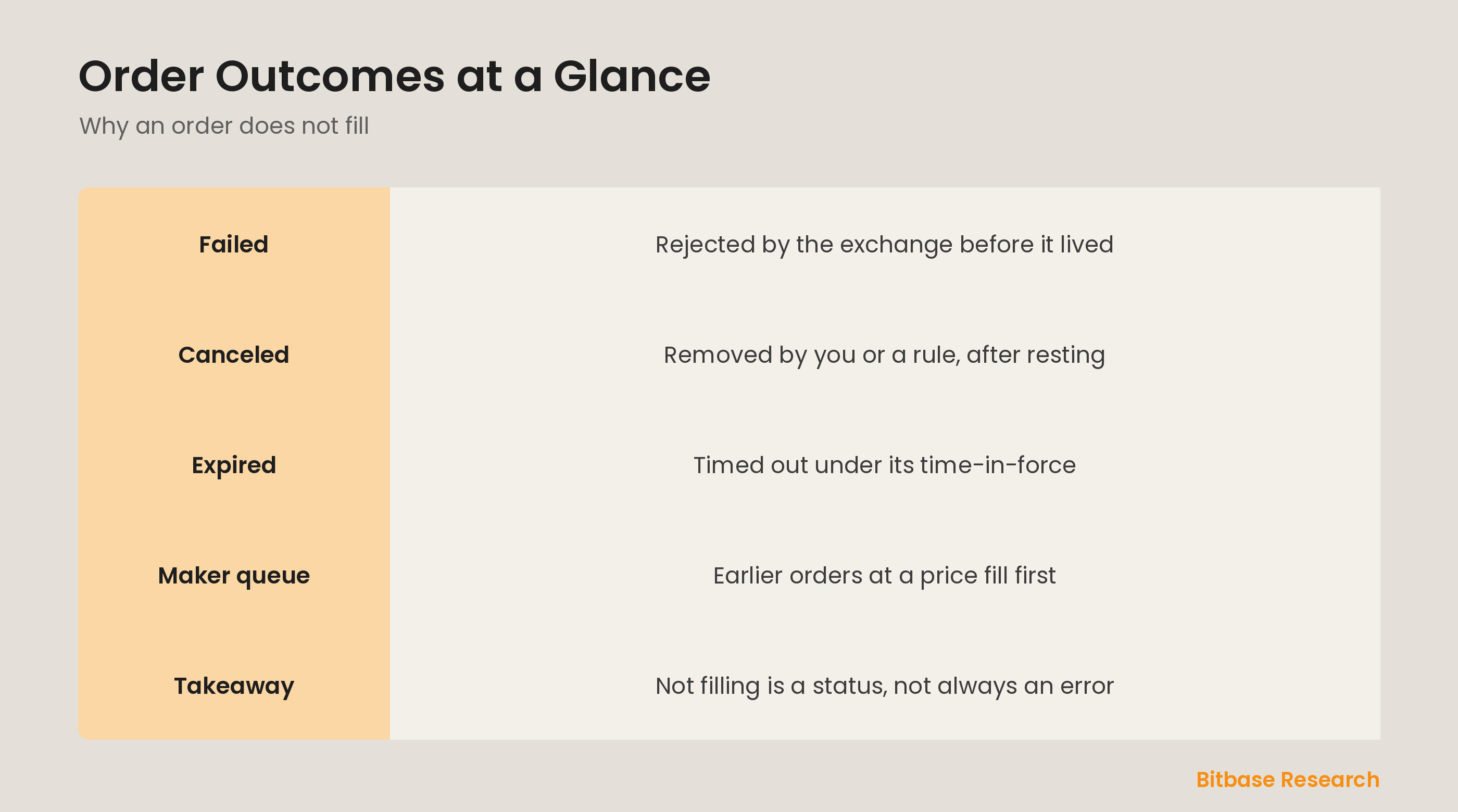
An expired order timed out. Every limit order has a time-in-force setting that governs its lifespan. A good-till-date order, for instance, automatically expires at the date and time you set if it has not filled by then. When that moment arrives, the exchange marks it expired and removes it. Expiry is not a failure; it is the order doing exactly what you told it to, closing itself down after the window you chose has passed.
Maker order queue priority
Even an order that rests perfectly may not fill, because it has to wait its turn. Limit orders at the same price are served by price-time priority: the earliest order at that price is first in line, then the next, and so on. This is maker queue priority. If the price only briefly touches your level and trades a small amount before moving away, only the front of the queue fills. Your order can sit correctly placed yet unfilled simply because others were there first.
Reading an order status
Together these outcomes let you diagnose any non-fill. Failed means fix the order and resubmit; something about it broke a rule. Canceled means you or a control removed it. Expired means it ran out its allotted time. And an order that is still open but not filling is usually just waiting in the queue for the price to reach it. Reading the status tells you whether to act, wait, or simply accept that the market did not come to your price.
The bottom line
A failed order was rejected before it went live, a canceled order was removed after resting, and an expired order timed out under its time-in-force, each a distinct outcome, not the same problem. Maker queue priority explains why a correctly placed limit order can still wait unfilled: earlier orders at that price come first. Reading these statuses tells you whether an order needs fixing, was intentionally stopped, or is simply waiting its turn. To keep learning the fundamentals, follow more from Bitbase Academy.
Disclaimer: This article is educational content from Bitbase Academy, provided for information only. It does not constitute investment, trading, tax, or financial advice. Crypto assets are volatile; assess your own risk. Written as of June 2026; refer to the latest official information.
References
[1] Investopedia, "Limit Order: Definition, How It Works, and Types" investopedia.com
[2] Investopedia, "Fill: What It Means, How It Works, Types, and Example" investopedia.com
[3] Investopedia, "Market Order: Definition, Example, Vs. Limit Order" investopedia.com