Beyond the type of an order, exchanges give you a set of controls that govern how it behaves: how long it lives, whether it can only reduce risk, and what happens if you disconnect. These order controls are the quiet settings that keep an automated strategy safe and tidy. Most traders ignore them until one causes a surprise. Here is what good-till-date, cancel-all-after, reduce-only, and self-trade prevention do.
Time controls: GTD and expiry
Every order has a lifespan, and time-in-force settings decide it. A good-till-cancelled order stays on the book until it fills or you remove it. A good-till-date order does the same but automatically expires at a date and time you choose, which is handy for a level you only care about this week. When that deadline passes, the exchange cancels the order for you, so you do not have stale orders lingering long after they made sense.
Cancel-all-after
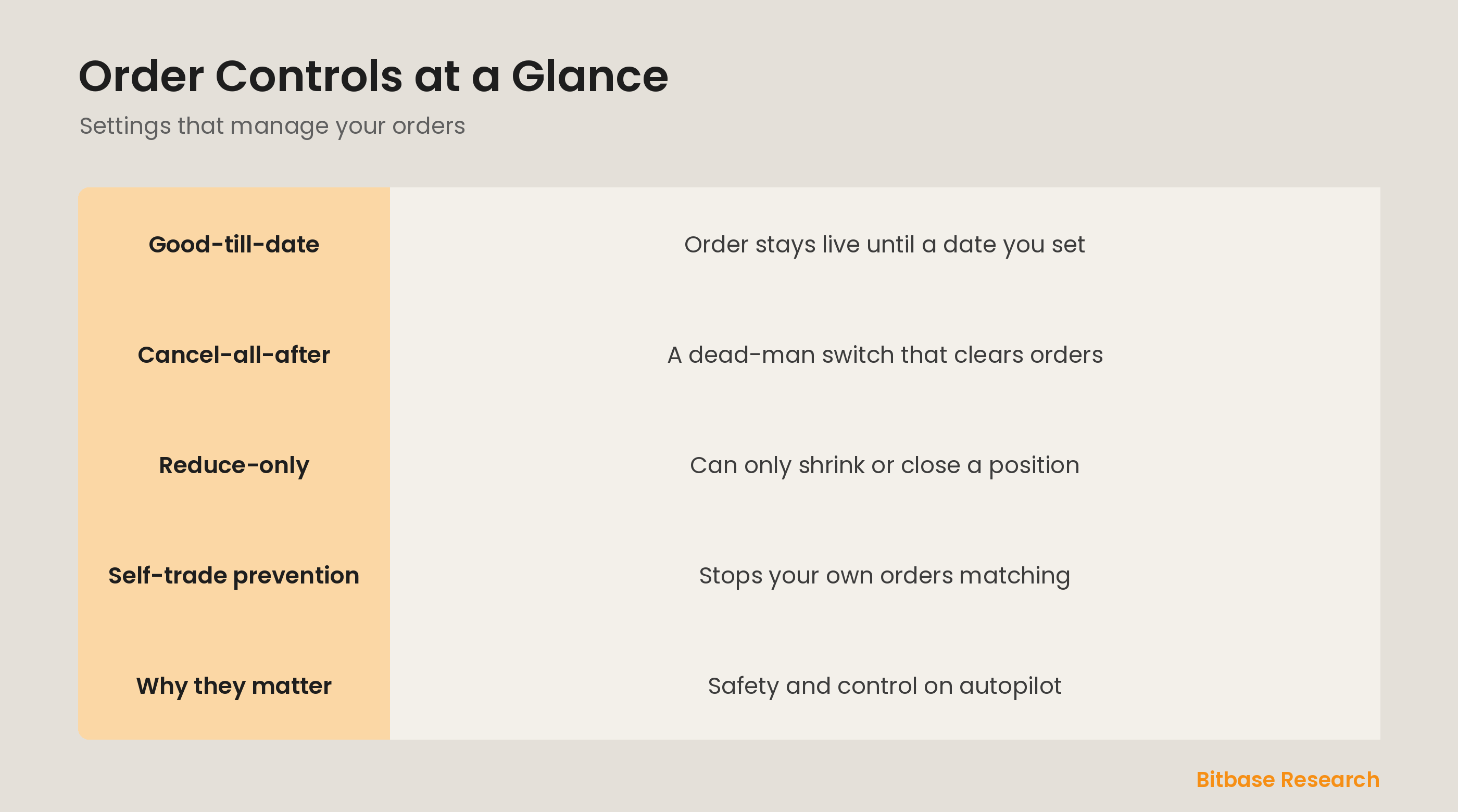
Cancel-all-after is a safety timer, sometimes called a dead-man switch. You set a countdown, and if you do not reset it in time, the exchange automatically cancels all your open orders. It exists for automated traders and bots: if your connection drops or your program crashes, this control ensures your orders do not sit exposed on the book without supervision. It is a last line of defense against a system going dark at the wrong moment.
Reduce-only and self-trade prevention
Reduce-only, covered as an exit safeguard, guarantees an order can only shrink or close a position, never open a new one, preventing an exit from accidentally reversing your trade. Self-trade prevention, or STP, stops your own buy and sell orders from matching each other, which can happen when running multiple strategies. STP cancels or adjusts one side so you do not trade with yourself, avoiding pointless fees and confusing fills.
Why these controls matter
Individually these settings seem minor, but together they are what makes hands-off trading safe. Time controls keep your order book clean of forgotten orders. Cancel-all-after protects you when technology fails. Reduce-only keeps exits from becoming entries. Self-trade prevention stops you from tripping over your own orders. Learning them turns the exchange from a place you must babysit into one you can trust to enforce your intentions.
The bottom line
Order controls manage how your orders live and behave: good-till-date sets an expiry, cancel-all-after clears everything if you go dark, reduce-only limits an order to closing or shrinking a position, and self-trade prevention stops your own orders from matching. None change what you trade, but all shape how safely you trade. Set them deliberately, especially if you automate, and your orders behave exactly as you intend. To keep learning the fundamentals, follow more from Bitbase Academy.
Disclaimer: This article is educational content from Bitbase Academy, provided for information only. It does not constitute investment, trading, tax, or financial advice. Crypto assets are volatile; assess your own risk. Written as of June 2026; refer to the latest official information.
References
[1] Investopedia, "Limit Order: Definition, How It Works, and Types" investopedia.com
[2] Investopedia, "Order Book: Definition, How It Works, and Key Parts" investopedia.com
[3] CFTC, "Customer Advisory: Understand the Risks of Virtual Currency Trading" cftc.gov